Guide
Vector vs raster artwork for screen printing
If a customer sends you a JPG, you are already behind. Here is why printers ask for vector files and what a good file looks like.
Flat $15 per designFiles in hoursFree edits until you approve
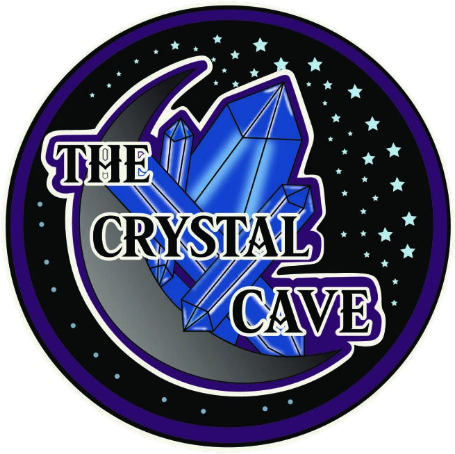
Vector art · clean AI, EPS, SVG, PDF
Raster files are made of pixels
JPG, PNG and GIF files are grids of pixels. Enlarge them and the edges turn soft and blocky. That fuzziness shows up in the print.
Vector files are made of shapes
AI, EPS, SVG and many PDFs store shapes and paths. They stay sharp at any size and each color is easy to isolate, which is what screen printing needs.
A quick print-ready checklist
- Vector format (AI, EPS, SVG or PDF)
- Text converted to outlines so fonts do not change
- Colors limited and named for your inks
- No hairline strokes that will not hold on a screen
- Clean shapes with no stray points
When the customer only has a JPG
Do not redraw it yourself. Send it to a vector service, get clean artwork back, and move on to the next job.
Keep reading
Screen printing artworkClean, print-ready vector artwork for screen printers. Fix blurry customer files fast. Flat $15 per design, rush in 2–4 hours, free edits until you approve.Vector art conversionTurn blurry logos, photos and mockups into clean vector artwork in AI, EPS, SVG and PDF. Flat $15 per design, files in hours, free edits until you approve.
Send one file. See the quality.
Create your account in 30 seconds, no card. Add credit only when you are ready.
Send my first jobLive walkthrough · about 15 minutes
Book a demo
We show you how ordering works with your own artwork. Pick a day and time that suits you and we confirm by email.